Security
Secure passwords and two-factor authentication (2FA) for businesses
Study after study shows the same thing: weak or reused passwords are one of the most common causes of successful attacks. The good news is that protecting accounts is simple and cheap.
Why passwords matter
A single compromised account — especially email — can give access to the whole company: documents, bank accounts, other passwords. Attackers use programs that try millions of combinations per second, so a weak password falls in seconds.
How to create a secure password
- At least 12 characters, ideally a long phrase;
- A mix of upper and lower case letters, numbers and symbols;
- No dictionary words, names or birth dates;
- A different password for each important account.
A good trick: use a memorable phrase, for example "Coffee3@MorningAtTheOffice!".
Use a password manager
Nobody can remember dozens of complex, unique passwords. A password manager generates them, stores them encrypted and fills them in automatically. You only need to remember one master password.
Two-factor authentication (2FA)
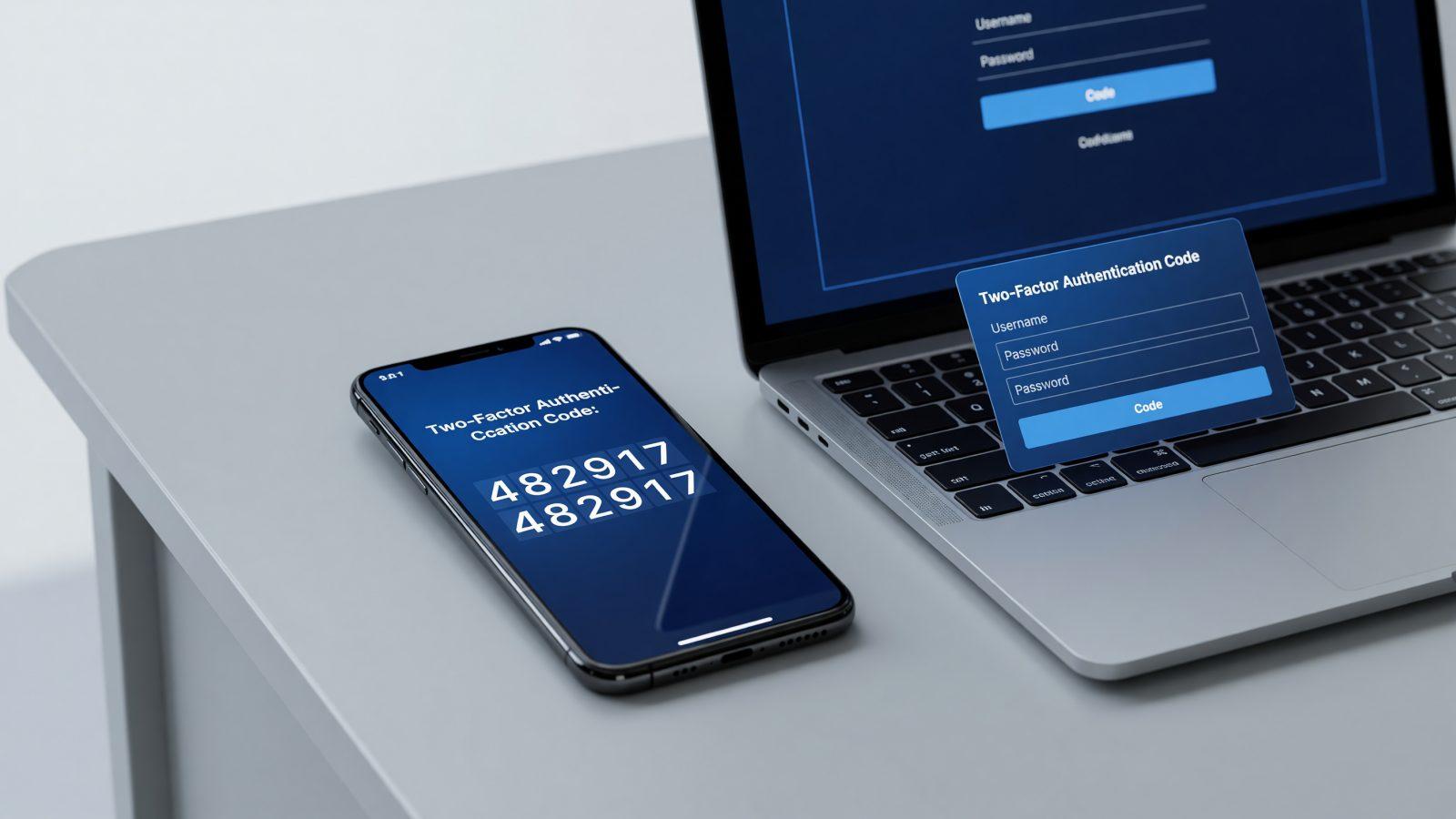
2FA adds a second verification step beyond the password — usually a code from your phone. Even if someone learns your password, they cannot get in without the second factor. It is one of the most effective security measures and should be enabled on all important accounts: email, banking, Microsoft 365.
Rules for companies
- Require strong passwords and 2FA for all employees;
- Use a company-wide password manager;
- Immediately disable the accounts of departing employees;
- Never send passwords by email or chat.
Conclusion
Secure passwords and 2FA are your company's first line of defense and cost almost nothing. At Pro IT we implement them as part of IT security. Contact us for a security assessment.