IT Services
How to choose laptops and IT equipment for the office
The right IT equipment boosts productivity and pays off through years of trouble-free operation. The wrong equipment becomes a daily frustration. Here is how to choose well.
Start from needs, not price
A designer needs something different from an accountant. First define what employees do with the equipment: heavy applications, multitasking, mobility? Then choose the specs.
Laptop vs. desktop
Laptops offer mobility and are ideal for hybrid work. Desktops offer more power for the same price and suit fixed, intensive workstations. Many companies choose a mix.
Specs that matter
- Processor: don't skimp here, it is the heart of the system;
- RAM: at least 16 GB for smooth work;
- SSD (not a classic hard disk): makes the biggest difference to speed;
- Business warranty: better support and more reliable parts.
Don't forget network and peripherals
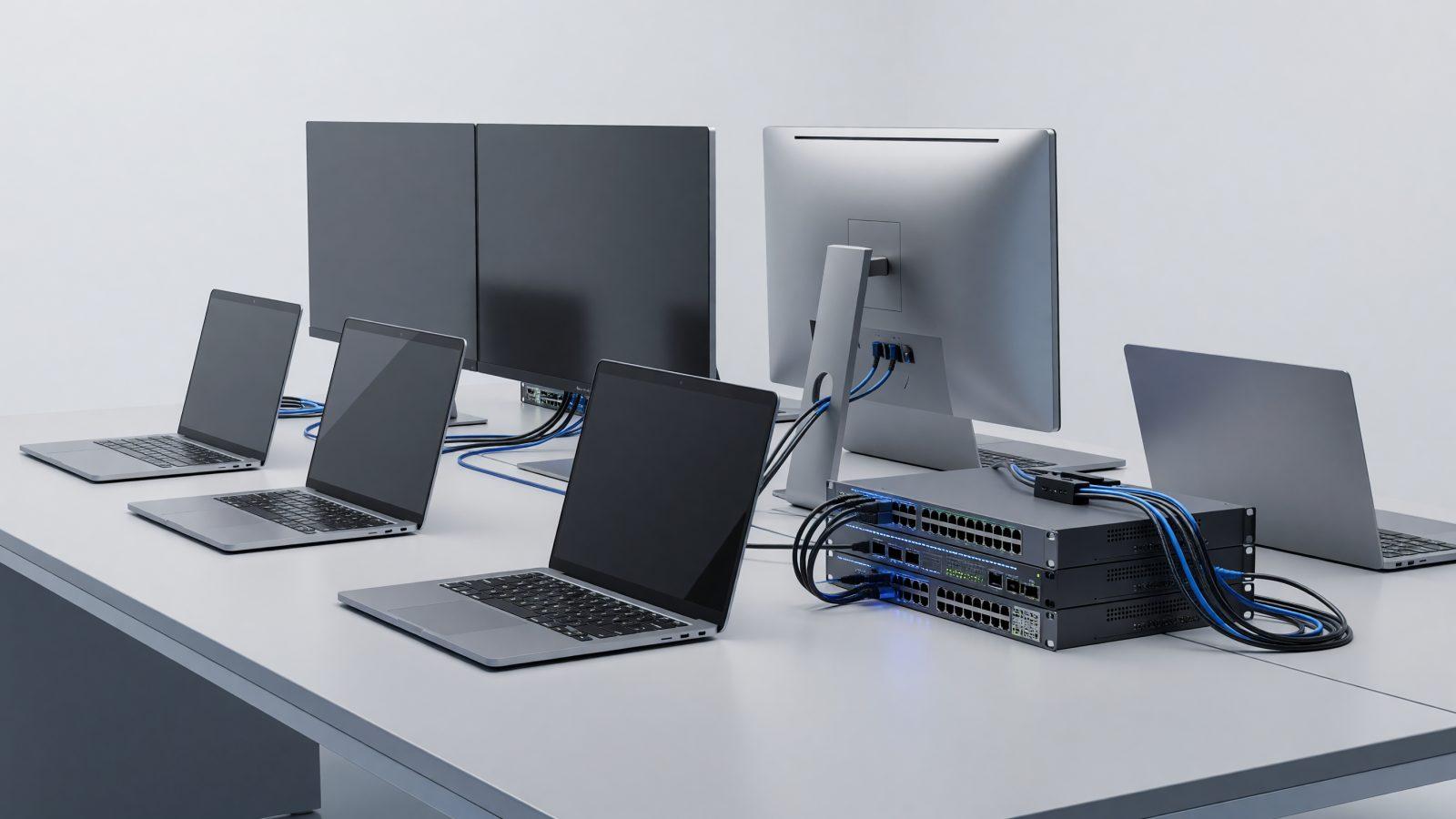
A good laptop on a bad network is still frustrating. Invest in structured cabling and quality network equipment. Good monitors, keyboards and ergonomic chairs reduce fatigue and increase productivity.
Business vs. consumer line
Business-grade equipment costs a little more but offers more reliable components, better warranty and dedicated support. For a company, the difference shows over time in fewer failures and downtime.
Plan replacement
Equipment does not last forever. A 3–5 year replacement plan prevents everything failing at once and avoids the productivity cost of slow systems.
Conclusion
Choosing the right equipment is an investment in productivity. We can advise you as part of IT outsourcing, from specs to setup. Contact us.