Network & infrastructure
Access control and time tracking: securing your office
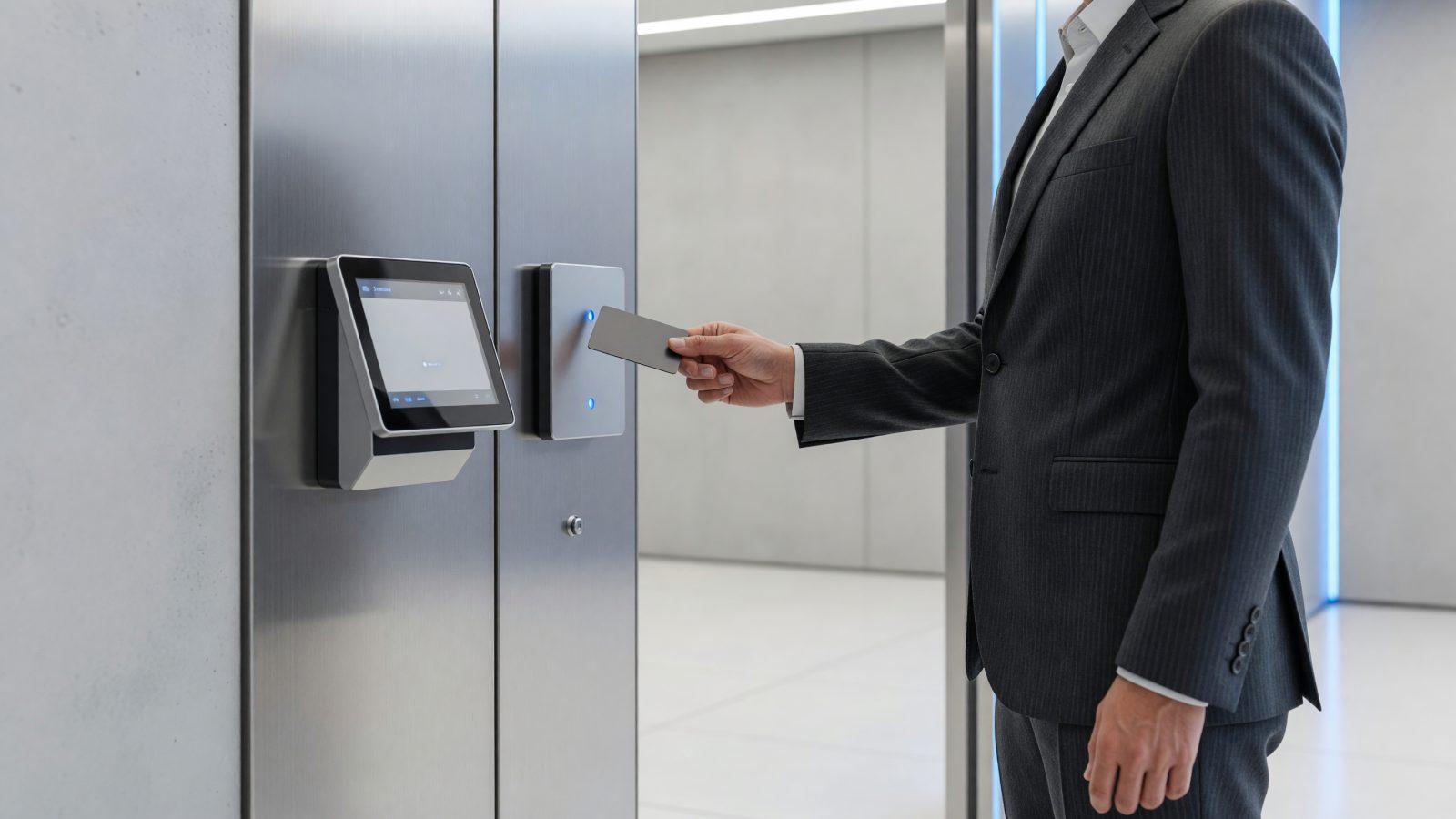
An office with doors open to anyone and a paper timesheet filled in "from memory" are two different problems with one solution: an access control system integrated with electronic time tracking. The result: you know exactly who enters where and when, and payroll is calculated from real data, not estimates. The upfront investment depends on the number of doors and employees, but for most small offices it pays for itself within a few years, mostly through the time saved consolidating timesheets.
Identification types: badge, code, fingerprint
A proximity badge is the most common solution — cheap, easy to replace, but it can be lent out or lost. A PIN code adds a second factor, but it can be forgotten or seen over someone's shoulder. A fingerprint or other biometric data removes the risk of lending out access, but importantly: biometric data is special category data under GDPR, and requires a clear legal basis plus extra security measures before implementation. This is not legal advice — for GDPR compliance, talk to a specialist before installing a biometric system. In practice, many companies combine two methods — for example, a badge plus a PIN code for sensitive zones — to reduce the risk of a single point of failure.
Zoning access by department and time window
Not every employee needs access to every area. A company with 40 employees typically splits access into at least 3-4 zones: administrative offices, warehouse, server room, production area. Each zone can carry its own time-window rules — for example, warehouse access allowed only during working hours, while the server room is open to the technical team at any time. Time-window rules also prevent less obvious situations, such as a former contractor who still holds an active badge but should not be entering outside project hours.
Integrating with time tracking and payroll
When the access system and the time-tracking system are the same device, clock-in and clock-out times flow automatically into payroll calculations, with no manual timesheets and no "from memory" corrections at month-end. In practice, the same badge that opens the door also logs arrival time — cutting calculation errors and the time HR spends consolidating hours. The automatic reports also surface useful patterns for managers — repeated lateness or overtime that should be approved separately.
What to do when a badge is lost or an employee leaves
A lost badge needs to be deactivated in the system immediately, not just "noted somewhere" — otherwise it remains a valid, unmonitored access point. When an employee leaves, physical access should be revoked the same day the contract ends, not a week later. A simple, written process with a clear owner removes these delays. Ideally, the deactivation process takes under 10 minutes and does not depend on a single person who is only available during office hours.
Backup power and emergency unlocking during a fire
An access control system that stays locked during a power outage is a safety risk, not just an inconvenience. The system needs backup power (a UPS) and an automatic door-unlock procedure tied to the fire detection system — doors need to open, not stay locked, when the alarm goes off. A backup battery with a few hours of autonomy covers most short power cuts, but offices with higher risk may need a dedicated generator for safety systems.
The link with video surveillance
Access control and video surveillance work well together: if a badge is used at an unusual hour or several times in a short interval, video footage quickly confirms whether it is normal use or an incident. You do not need to buy them together, but integrating them from the start is simpler than adding it later. For many companies, these systems are already managed by the same IT or low-voltage systems provider, which simplifies maintenance and updates.
Access reports: who was where, and when
A good system keeps a full history of every entry and exit, exportable at any time. That history becomes useful in a concrete situation: a theft from the warehouse, a dispute with an employee over hours worked, or an insurer asking, after a claim, who had access to the affected area. Without logs, the answer is "we're not sure"; with them, checking takes minutes. We recommend keeping the history for at least 12 months, enough to cover most disputes and insurance claims.
How to start
Start with a conversation about which zones actually need access control and which identification type suits your company — see access control and electronic time tracking. If you also want to tie in video, take a look at video surveillance. Contact us for an assessment of your office.