AI & Digitalization
Document digitization: how to go paperless in your company
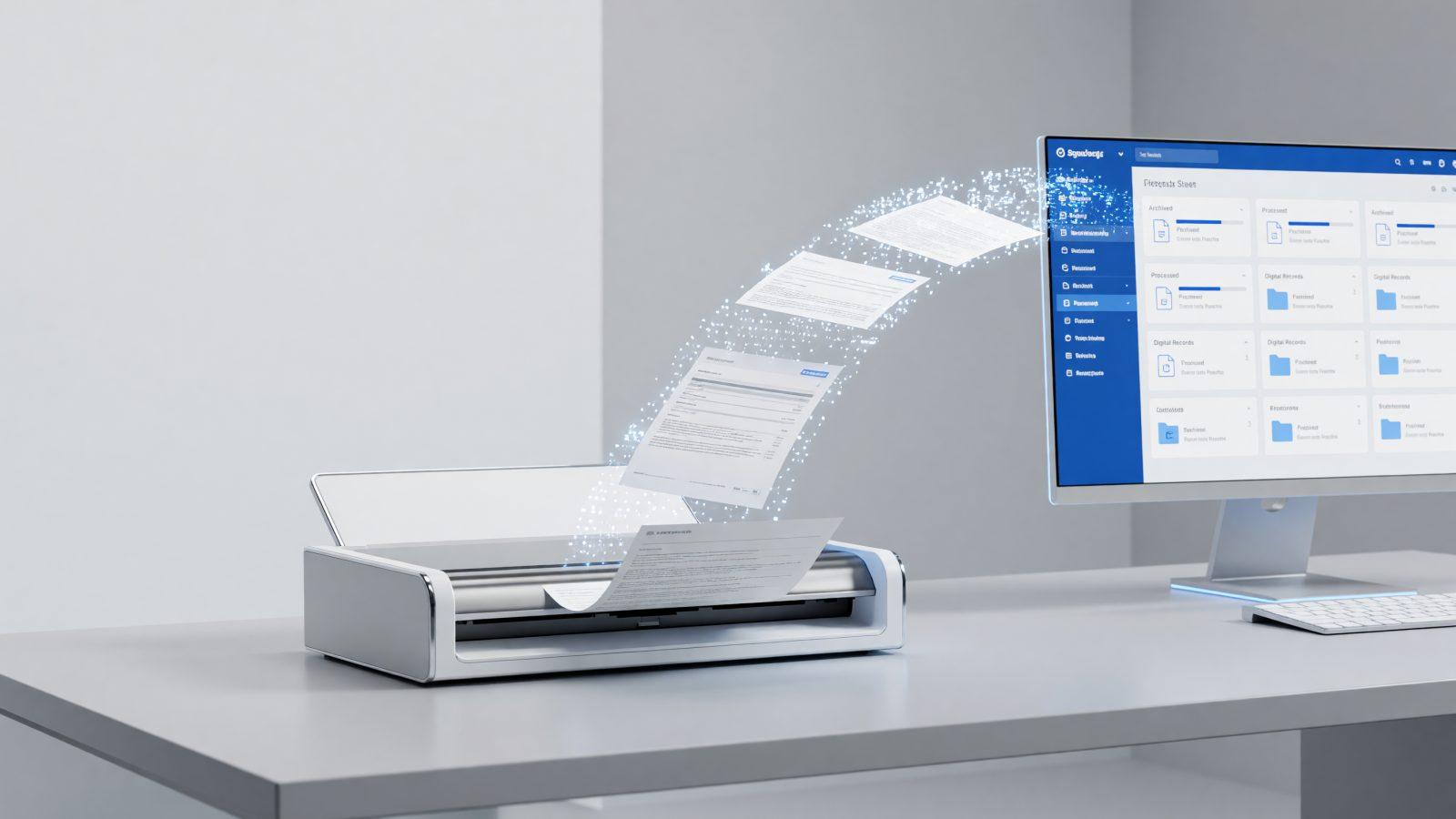
Paper still moves through most small companies: invoices signed by hand, printed contracts, leave requests that get stuck on someone's desk. Document digitization is not just a better scanner — it is a full flow: scanning and OCR, electronic signatures, approval routing and archiving that respects legal retention periods. The result: you find any document in seconds, not hours.
Where to start: what documents move and who signs them
Before buying any software, do a simple inventory: what documents come in and go out of the company every month — invoices, contracts, internal requests, handover reports — and who needs to see or sign them. A company with 20 employees typically has five or six recurring document flows: invoicing, leave approval, expense reports, supplier contracts, handover reports. Start digitizing the flow that eats the most administrative time, not the simplest one. For example, an accounting firm with 15 clients can easily identify four major flows: supplier invoices, collaboration contracts, tax filings and correspondence with the tax authority.
Scanning and OCR: from paper to searchable text
A plain scan produces an image; OCR (optical character recognition) turns that image into text you can search. The difference matters: with OCR, you search "invoice 1452 Smith" and find it in seconds instead of browsing dozens of PDFs. For companies with high paper volume, a dedicated scanner with automatic feed pays for itself within a few months, purely from the time saved. Scan quality matters as much as the software: a minimum resolution of 300 dpi and a clean white background noticeably improve text recognition accuracy, especially for invoices with tables or handwritten documents.
File naming and folder structure you can actually search
A clear folder structure matters as much as OCR. A simple convention — year/month/document type/partner — keeps the archive usable even years later. A few rules that work in practice:
- Consistent naming — date, document type, partner, always in the same order.
- Folders by category, not by employee — otherwise the archive becomes unreadable once someone leaves.
- One single source of truth — do not keep the same documents on three different desktops.
A simple test: if a new employee can find a document without asking anyone, the structure works. If not, rethink it before you accumulate thousands of files that become hard to sort later.
Electronic signatures and what they are actually worth
A qualified electronic signature carries the same legal weight as a handwritten one, under the eIDAS regulation applied across the EU, including Romania. For supplier contracts, handover reports or internal documents, a simple or advanced electronic signature is usually enough; for documents with higher legal stakes, choose the qualified signature. In practice, a contract signed electronically reaches partners in minutes, not the days needed for courier delivery and return. The cost of a qualified electronic signature per employee typically starts at a few euros a year — well below the cost of courier delivery and the time lost signing dozens of documents by hand every month.
Approval flows without paper
A digital approval flow means a document moves automatically from one person to the next, with a deadline and a notification, instead of waiting on a desk. A leave request, for example, goes straight to the manager, with a visible history: who approved it, when, and with what notes. For the accountant, this means no more digging through physical folders at month-end; for the manager, it means approving a request from a phone in two minutes instead of waiting to get to the office. For a company with several departments, the flow can also include a financial review step before final approval, without the document getting lost between offices.
Electronic archiving, legal retention periods and backup
The law sets different retention periods for different document types: payroll records are typically kept for 50 years, financial-accounting documents for 10 years, and others for shorter periods — check the exact period for each category before deleting anything. A well-organized electronic archive respects these periods automatically, with retention rules set once. A company with 10 years of invoices archived on paper typically fills several linear meters of shelving; digitized, the same archive fits on a disk of a few hundred gigabytes and is searchable instantly.
A digital archive does not replace backup — if anything, it needs it more, because now all documents sit in one place. A copy in a second data center, updated automatically, protects you from a fire, a disk failure or a human mistake.
How to start
The first step is understanding what you already have and what is missing: a process assessment shows you where to start. You can continue with document automation for repetitive flows and with electronic archiving for long-term retention. Contact us for a talk about what would help you most.