Network & infrastructure
Structured cabling: what it is and when it pays off
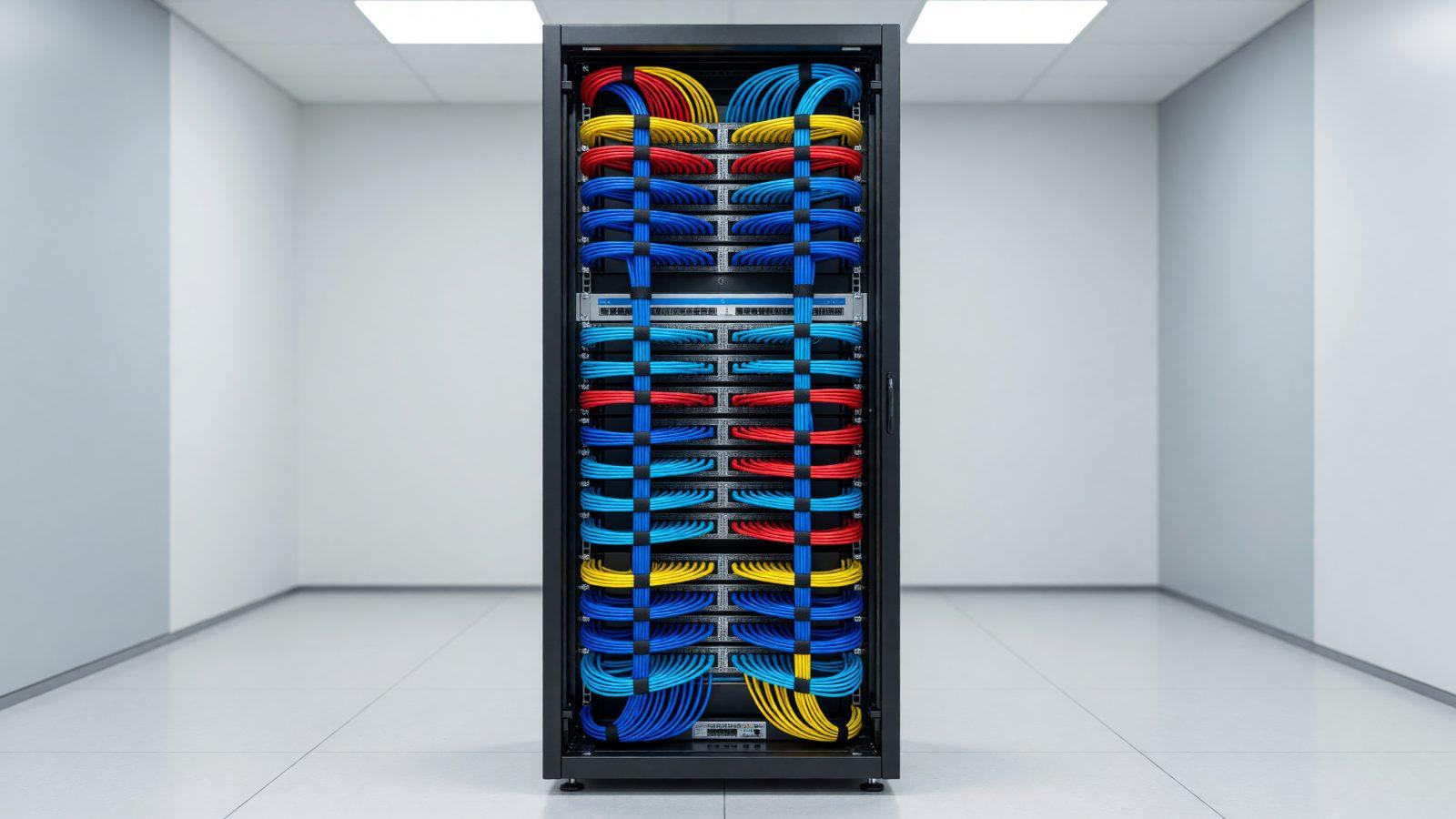
Structured cabling is a company network cable system, planned as a whole and documented, instead of wires pulled one at a time, case by case. It makes sense whenever you move into a new space, renovate the office, or have added so many network extension cables that nobody knows which cable goes where anymore. It costs more than "just run a cable over there", but it lasts 10-15 years and supports speeds an improvised network cannot reach. The difference shows most clearly when you move or expand: a well-cabled network extends easily, an improvised one has to be rebuilt almost from scratch.
What structured cabling is
Structured cabling is a unified system of cables, outlets and equipment, installed to a plan rather than added piece by piece. What sets it apart from a network "pulled as needed" is documentation: every cable has a known route, a labeled end, and a certification test confirming it delivers the speed it was installed for.
Main components
A structured cabling system has a handful of fixed pieces:
- The rack — the metal cabinet holding switches, patch panels and sometimes servers; ideally installed in a technical room, not a random closet.
- The patch panel — the central point where every office cable arrives, from which short, easily replaceable cables connect to the switch.
- Data outlets — the sockets at each workstation, usually two per desk: one for the computer, one spare.
- Cable pathways — trays or conduits protecting the cable and keeping it separate from power cables.
All these pieces are documented in a network diagram, with outlet numbering and each cable route — useful for any later work, even if the technician is not the one who installed the original system.
Cable categories and speeds
The cable category determines the maximum speed supported over the standard network distance (up to 100 meters): Cat 5e supports 1 Gbps, enough for most offices today; Cat 6 also supports 1 Gbps over longer runs and 10 Gbps over short ones; Cat 6A supports a stable 10 Gbps over the full distance, recommended if you are planning for a fast network long term. For a small company, the cost difference between Cat 6 and Cat 6A is small relative to how long the installation lasts — so Cat 6A is worth choosing if the budget allows, even if the immediate need is smaller. For links between buildings or long distances, fiber optic remains the answer, since copper is not suited past 100 meters.
Why it is done before the fit-out, not after
Cable pathways run inside walls, under raised floors or above suspended ceilings, exactly like the electrical installation — which is why cabling is planned together with the fit-out, not after the furniture is already in place. Added later, cabling means visible cables, network extension leads everywhere and holes in freshly painted walls. The practical rule is to have the cabling plan ready before you order the furniture, not the other way around — so outlet positions match where desks go, instead of desks being moved later to match the outlets. Planned from the start, alongside the electrical installation — including dedicated IT circuits and UPS systems for the rack — it costs less and looks right.
How many outlets, and certifying the routes
The basic rule: at least two data outlets per workstation, plus extra outlets for printers, security cameras or wireless access points. For meeting rooms or common areas, add at least one extra outlet for a screen or a wireless access point — these get requested often later on, and cost far less when installed from the start. At the end, every cable route must be certified with a test device confirming the actual supported speed, not just the cable electrical continuity — without certification, you cannot know if a poorly installed cable is limiting your network to a fraction of the speed you paid for.
Common mistakes
The most frequent mistakes: network cable run alongside power cables (interference), a rack installed in an unventilated closet, no documentation of which cable goes where, and too few outlets leading to improvised extension cables all over the office. Another common mistake is choosing the cheapest cable available with no real category certification — some cables are labeled Cat 6 without actually meeting the category parameters. All of these are cheaper to fix during network design than after installation.
How to start
Start with a plan of the space and the number of workstations, then talk to a specialist about routes, cable category and where the rack goes. See our structured cabling service or contact us for a technical site visit.