IT Services
What is an IT support SLA and what it should include
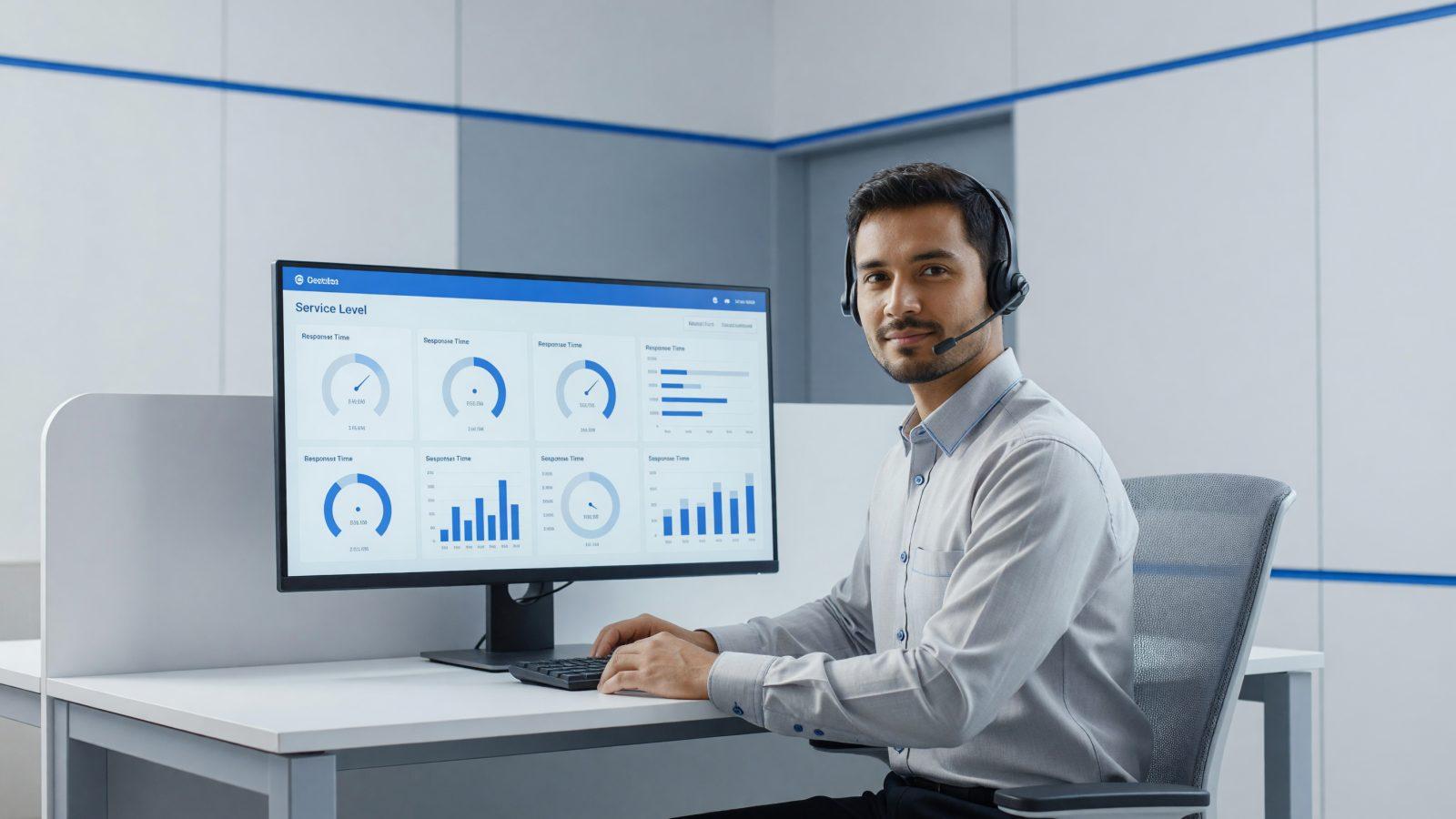
An SLA (Service Level Agreement) for IT support is the document that spells out exactly what you can expect from your provider: how fast someone responds, how fast the issue actually gets fixed, and what happens if those terms are not met. Without a clearly written SLA, "IT support" stays a vague promise you cannot really check. This article covers what a solid SLA should contain, so you know exactly what to ask for before signing. A company with 15 employees relying on a single server does not need the same targets as an online store selling around the clock — which is why the SLA should be negotiated, not copied from a generic template.
Response time vs. resolution time
The two get mixed up often, but they are not the same thing. Response time is how long it takes for a technician to confirm they have picked up your ticket — for example, under 30 minutes for an emergency. Resolution time is how long it takes to actually fix the problem, which can take longer, especially if it involves a third-party vendor or replacement parts.
A solid contract lists both values separately for each priority level. If you only see a single "intervention time" with no further detail, ask what it actually covers — often it is only the response, not the fix.
Priority levels: critical, major, minor
- Critical — server down, network unreachable, the whole company is stopped. Response under 30 minutes, resolution or a clear action plan within 4 hours.
- Major — one application or department affected, but work continues partially. Response within 2 hours, resolution the same business day.
- Minor — a single workstation or a request that does not block activity. Response within 24 business hours, resolution in 2-3 days.
Getting the priority classification right matters as much as the times themselves — the SLA should define exactly what "critical" means for your business, not a generic definition.
Coverage hours: 8/5 or 24/7
The SLA should state clearly the hours during which the promised times apply. 8/5 coverage (typically Monday-Friday, 8am-5pm) is enough for most office-based businesses. 24/7 coverage is needed for servers that cannot go down, online stores, or production running night shifts.
In practice, many contracts combine both: 8/5 support included, with an option to extend to 24/7 for critical systems, at an extra cost.
Contact channels for opening a ticket
- Ticketing portal — the recommended option, since it keeps a history and priority is clear from the start.
- Phone — for emergencies, with a dedicated number, not a general reception line.
- Email — fine for non-urgent requests, but check that an email automatically creates a ticket instead of getting lost in an inbox.
Avoid providers offering only one channel, especially if it is email only — in a real emergency, you want to be able to call someone.
What an SLA does not cover
What an SLA excludes matters as much as what it includes. Typically left out: physically defective hardware (covered by a separate warranty), building new software from scratch, extensive employee training, equipment the provider does not manage, and issues caused by misuse of the systems.
Ask for these exceptions to be written explicitly into the contract, not left open to interpretation — otherwise you risk arguing about coverage exactly when you have an urgent problem.
For example, if an employee spills coffee on a laptop or accidentally deletes an entire folder from their own desktop, the fix may fall outside the SLA and carry an extra cost — check upfront how these situations get billed.
Penalties and monthly reports
An SLA with no consequences for missed targets is just a good intention. Solid contracts include penalties — for example, a percentage credit on the next invoice for each time threshold missed on a critical ticket.
Just as important: the monthly report. You should get, at minimum, the number of tickets opened, average response and resolution times, and any recurring issues. That is how you tell whether the SLA is actually being met, not just written down.
How to start
The simplest starting point is comparing your current SLA (if you have one) against what you just read. Learn more about our helpdesk and technical support with guaranteed response times, or contact us for an offer with a clear SLA sized to your company.