Security
Phishing: how to spot a fake email before you click
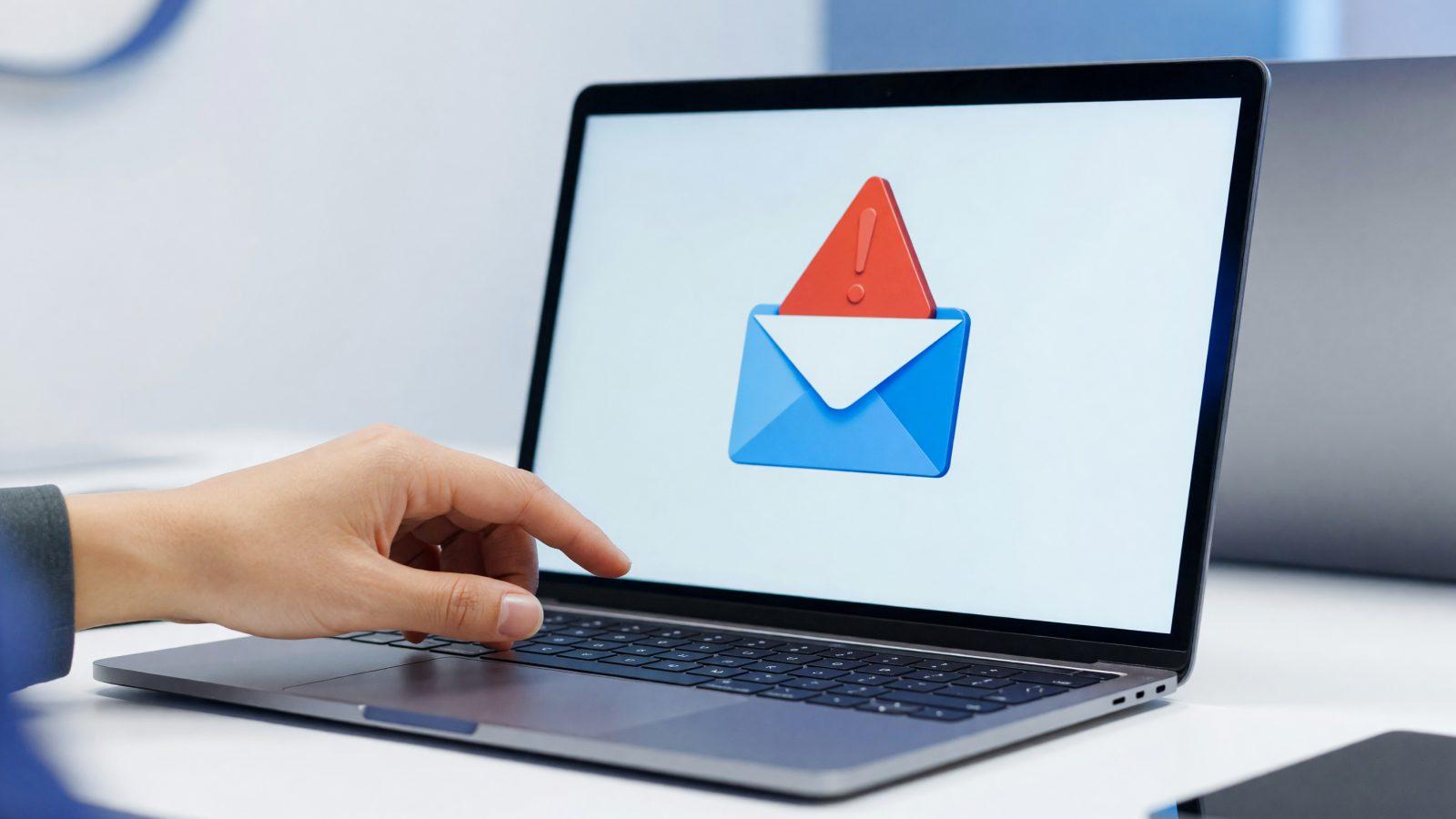
A phishing email no longer looks like it did ten years ago, full of typos and absurd offers. Today it convincingly imitates invoices, delivery notifications, or a message "from the boss." The good news: there is almost always a tell, if you know where to look. Here is what to check before clicking any link or opening any attachment. A message that looks like it came from "Fast Courier," with an "attached tracking slip," can reach dozens of employees in a single morning, and one click is enough to compromise a computer.
The real sender address and lookalike domains
Your email client usually shows a friendly name, like "Invoicing Dept" or "Courier Delivery." That name says nothing about who actually sent the message. Always check the full address behind it — often it is a foreign domain, a random string of letters, or a free address (gmail, outlook) used instead of the company's official domain.
A common trick is swapping a single letter in the domain: "micros0ft.com" instead of "microsoft.com," or adding a word: "accounting-firm.com" becomes "accounting-firm-secure.com." At a quick glance, the difference goes unnoticed.
Simple rule: if the display name sounds official but the address or domain does not match that company exactly, check it letter by letter before trusting the message.
Artificial urgency and pressure to act fast
Almost every phishing email contains a pressure element: "your account will be locked in 24 hours," "your invoice is overdue, penalties apply," "reply urgently, I'm in a meeting." The goal is to rush you so you skip checking the details.
A serious vendor, a bank, or a tax authority never demands immediate action solely by email, under threat. If you feel pressured, that is one more reason to check, not to act.
Attachments and masked links
- Unexpected attachments — invoices, "offers," or "resumes" in .zip, .exe, or even .pdf format from unknown senders should not be opened directly.
- Masked links — the displayed text may say "Open invoice," but the actual address behind it (visible by hovering, without clicking) leads somewhere else.
- Shortened URLs — bit.ly and similar services hide the real destination; treat them with suspicion in unexpected emails.
- Double extensions — a file named "invoice.pdf.exe" looks like a PDF at first glance, but it actually runs a program instead of opening a document.
Invoice phishing and CEO fraud
Two variants are common in businesses: an email imitating a real invoice from a known supplier, but with a different bank account for payment, and a message that appears to come from the company's director, urgently requesting a transfer or a change to a supplier's payment account. Both rely on the fact that the accounting employee will not call to verify, especially if the "boss" seems in a hurry.
A company with 30 employees can lose, in a single day, the equivalent of an entire month's invoice from a supplier, simply because the payment went out without a verification call.
Protection rule: any change of bank account or unusual payment request gets confirmed by phone, on a number you already know, not the one in the email signature.
What to do if you already clicked
If you opened an attachment or entered a password on a fake site, disconnect the computer from the network immediately, change the affected account's password from another device, and notify your IT provider. If you sent money to the wrong account, contact your bank right away — there is often a short window in which the transfer can be stopped or recovered.
Do not delay reporting it out of embarrassment — the faster you act, the smaller the damage.
Write down exactly what happened and when — the time you clicked, what information you entered. That detail helps your IT team or your bank limit the damage faster.
How to train your employees
Training does not mean a single session once a year. Short, repeated sessions work better, plus periodic phishing simulations, so you can see realistically who needs more attention. It pairs well with clear password and two-factor authentication rules — a related topic we cover separately on our blog — and with automatic protection at the computer and email level.
How to start
A security audit shows you how exposed your business is to phishing and other attacks. You can add endpoint protection on every computer in the company, or contact us to talk through the risks specific to your business.